
When the urge hits
Don’t send that text.
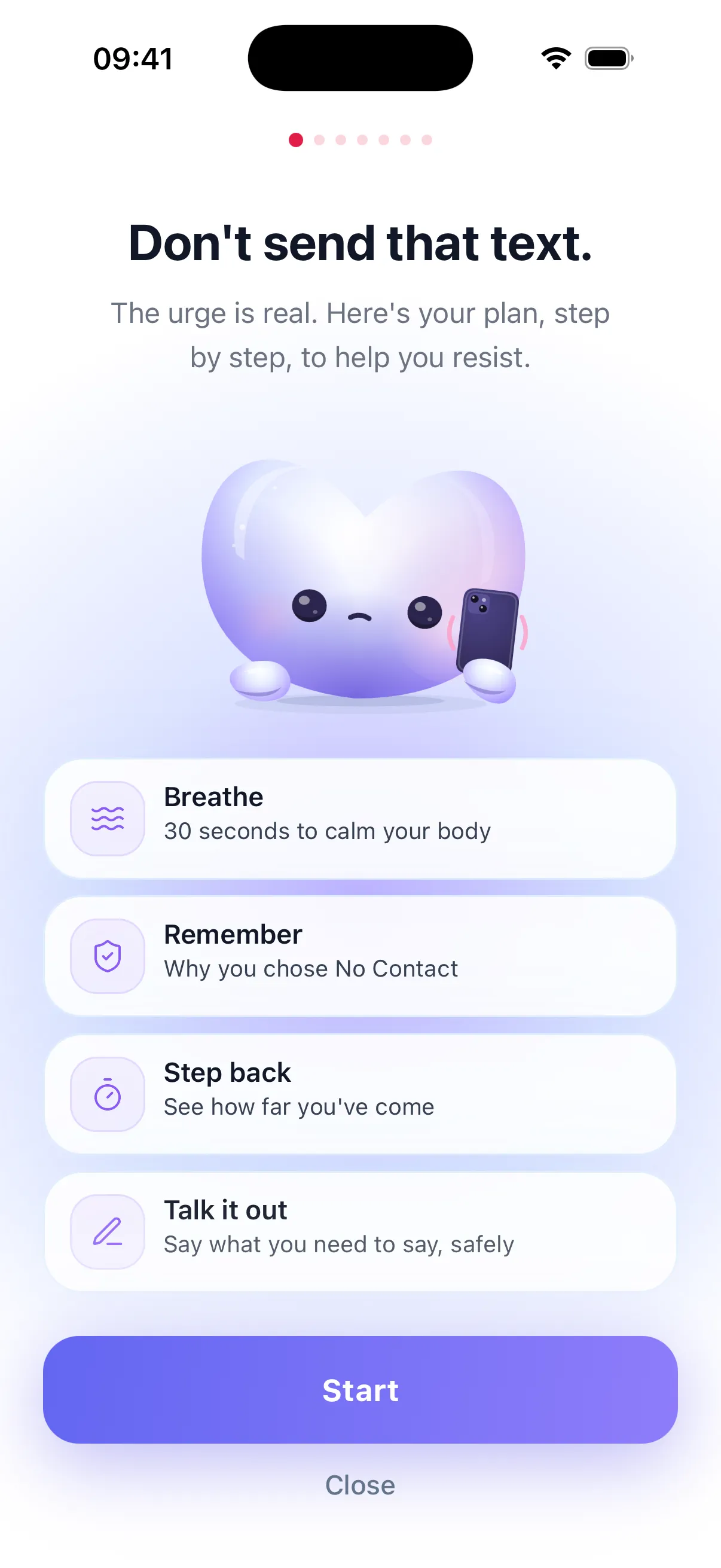
Tap “Help me resist” and follow the plan: 30 seconds of breathing, a look at how far you’ve come, your own reasons for going No Contact, and a place to write what you want to say without sending it.
You've stayed No Contact for:
Next milestone 1 hour in 1 h
Come back anytime to check your counter. The No Contact AI app saves your progress, adds a Lock Screen widget and helps you resist when you want to text them.
★ 4.6 on the App Store · Free download
Here, in your browser
In the app
NoContactApp is the free web version of our No Contact tracker: nothing to download, no account, no email. Open nocontact.app on your phone or computer and your days are already counting.
Want the No Contact app free on your phone too? It’s a free download on iPhone and Android, with a 3-day free trial of every feature, then a subscription.
See my counterSeconds, then minutes, hours and days, exactly like the app.
See how far the next one is: 1 hour, 1 day, 3 days, 1 week, 30 days and more.
Set the day your No Contact began, or reset without shame after a slip.
No account and nothing sent anywhere: your date stays in this browser.
Most No Contact streaks don’t end on a bad day. They end in a bad five minutes. No Contact AI is built for those.
When the urge hits
Tap “Help me resist” and follow the plan: 30 seconds of breathing, a look at how far you’ve come, your own reasons for going No Contact, and a place to write what you want to say without sending it.
When they text you
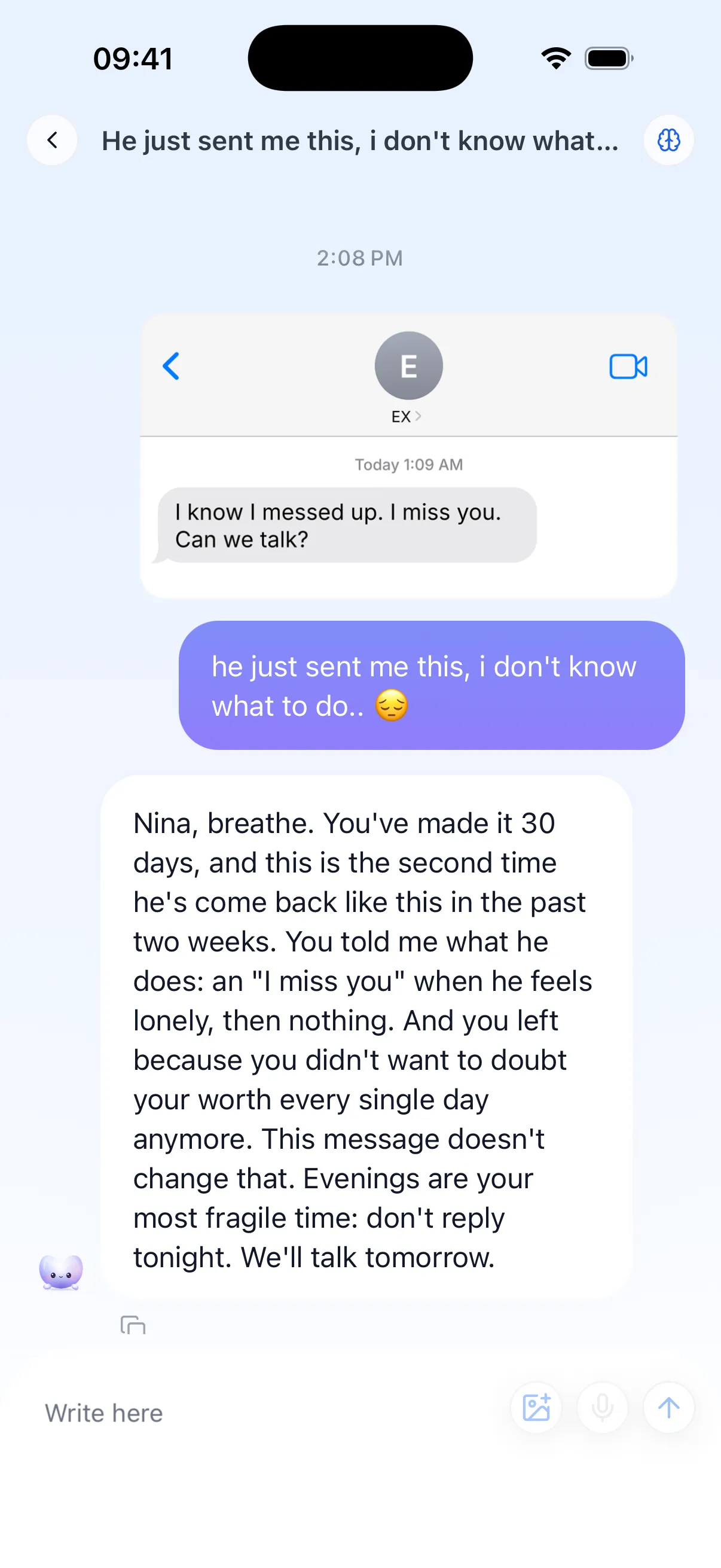
Paste their message and talk it through. The AI coach remembers what you’ve shared, so it can tell you when the same pattern is coming back, and help you get through the night without replying.
When you start to miss them
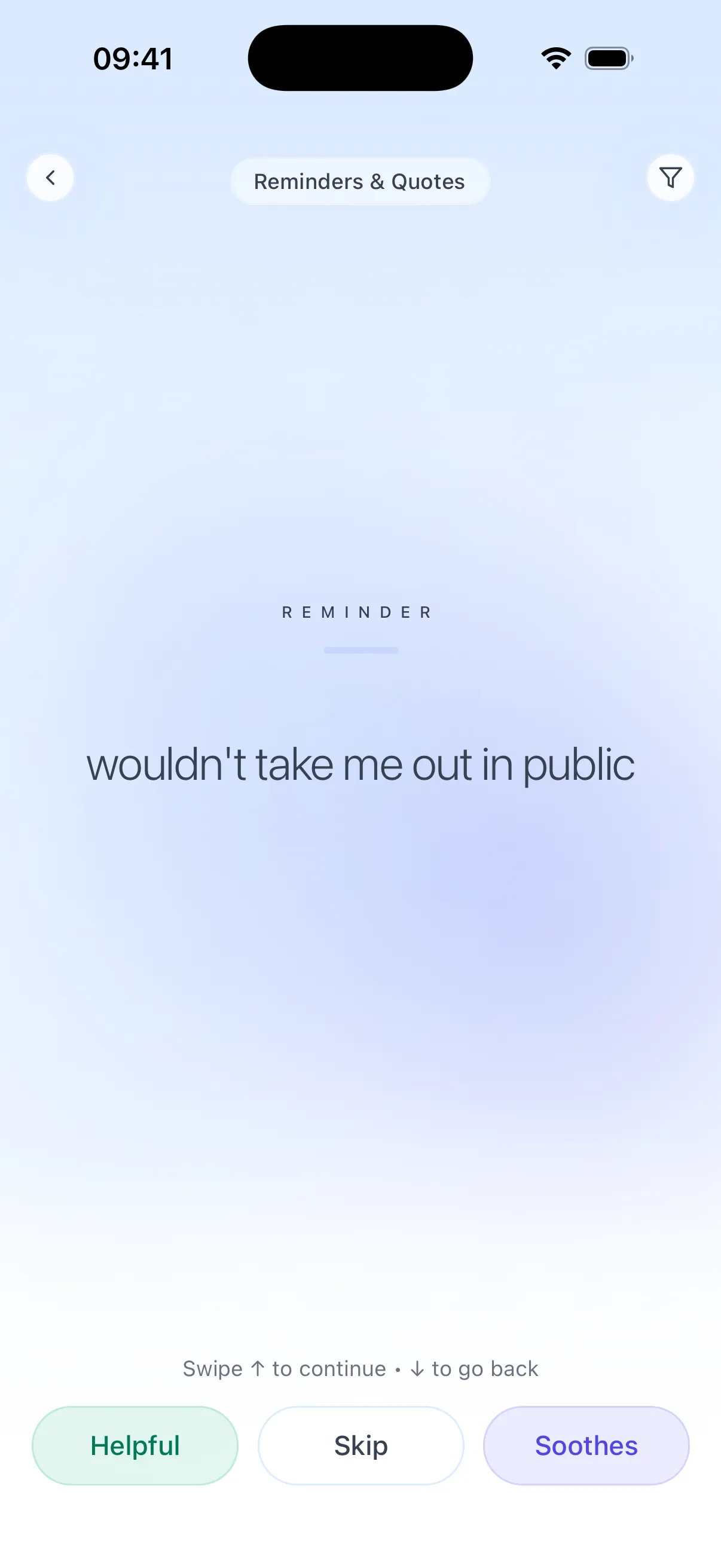
Save the moments you don’t want to forget: the hurt, the red flags, the lines they crossed. They come back to you right when nostalgia starts rewriting the story.
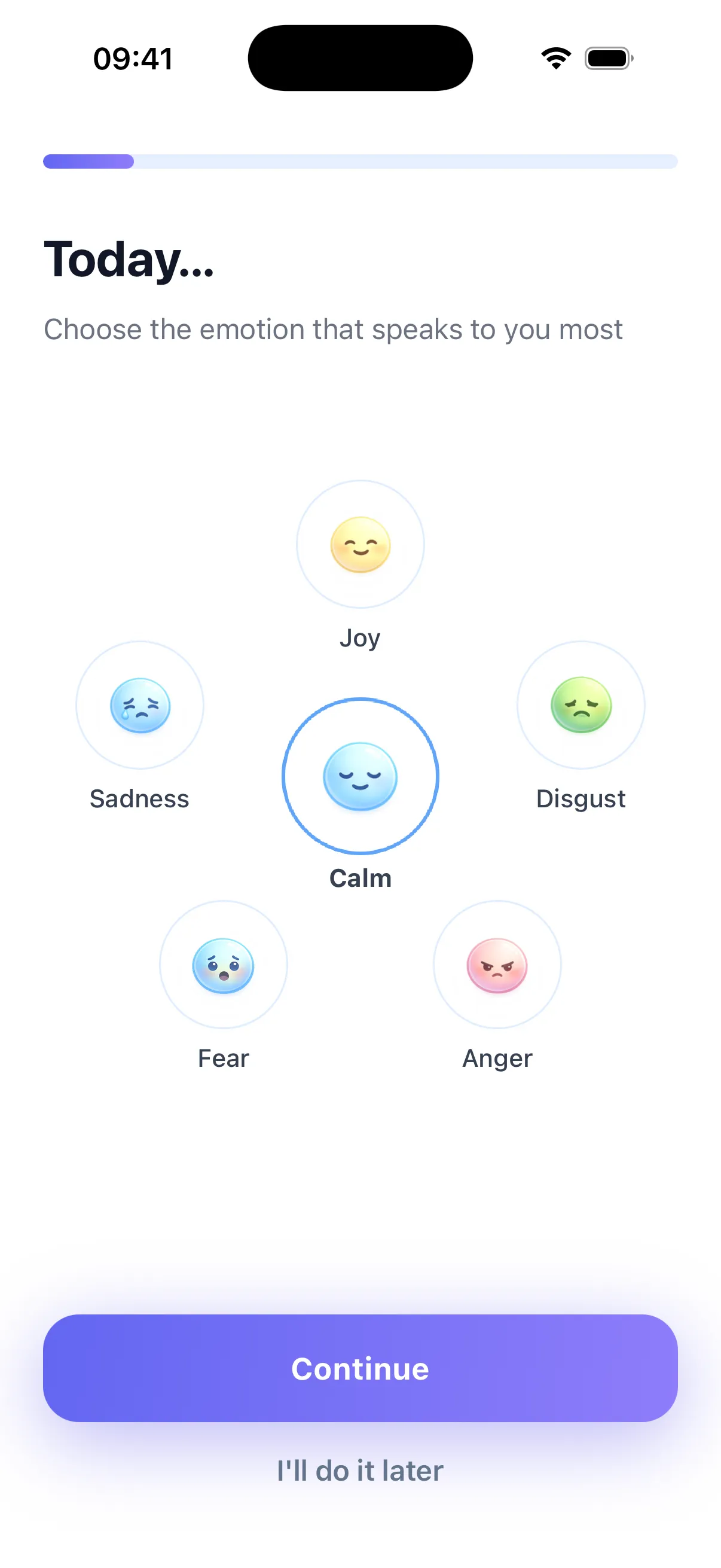
A short daily check-in turns a blur of feelings into something you can watch change, week after week.
A quiet Home Screen widget: every time you unlock your phone, you see what you’d be giving up.
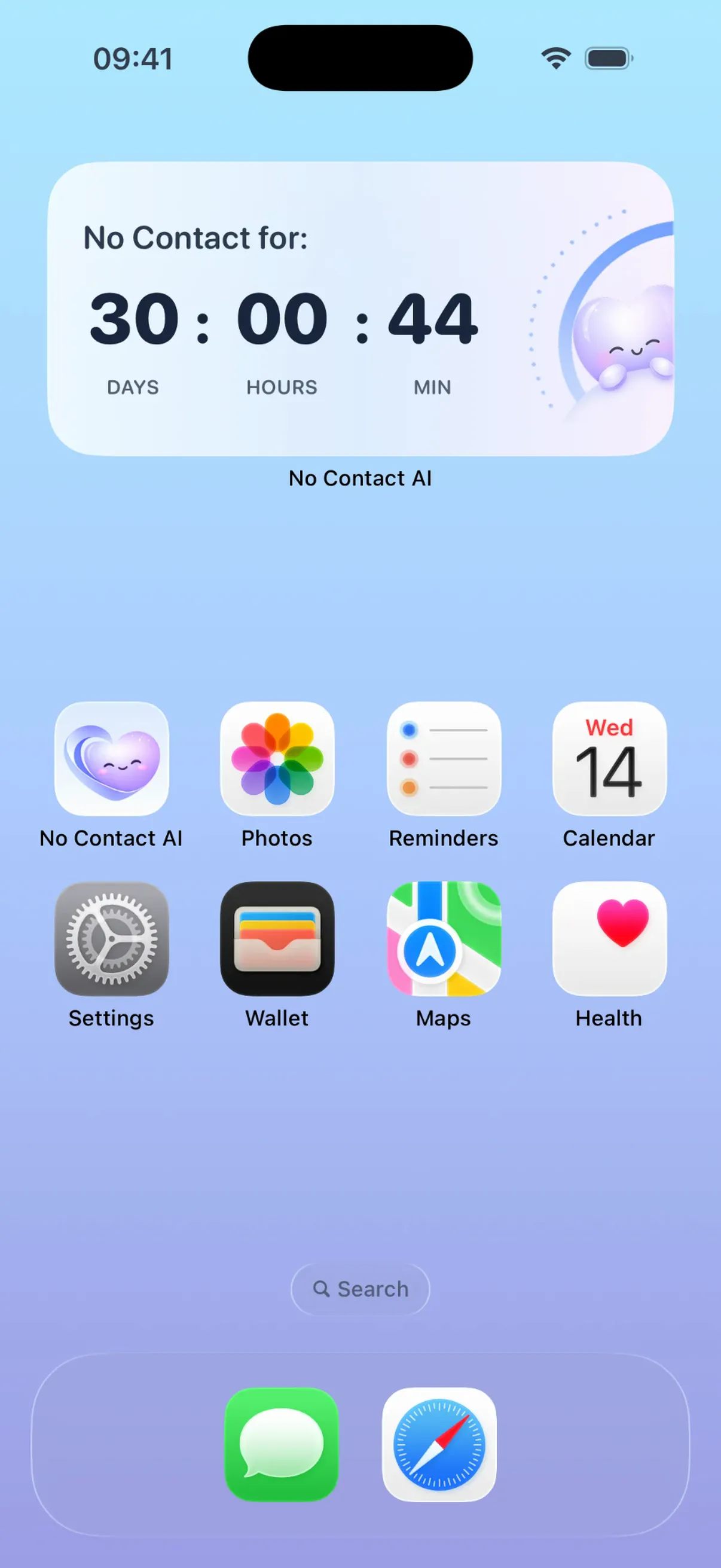
A No Contact app helps you keep the No Contact rule after a breakup: no texts, no calls, no checking their stories. It counts your days and, more importantly, gives you something to do in the minute you’re about to break it.
Be wary of any app that promises to get your ex back by a date, or that helps you monitor them. Those keep you attached instead of helping you heal.
What to look for
A counter you’ll actually see, ideally on your Home Screen, not buried in a menu.
Help for the urge itself, not just statistics after the fact.
A private place to write, the message you won’t send.
Reminders in your own words, of why you went No Contact.
Clear privacy, so you know what stays on your phone.
Your counter is already running at the top of this page. If your No Contact started earlier, set the real date.
The urge rarely lasts. The SOS, your reminders and the AI coach are there for the few minutes that decide everything.
Milestones at 1 hour, 1 day, 3 days, 1 week, 2 weeks, 30 and 90 days. Slip once? Reset without shame and keep going.
Everyone’s timeline is different, but most people go through the same stages. Knowing them makes the hard ones easier to hold.
Days 1–7
The urge to check, text or explain is at its loudest. Your brain is used to them. Survive the evening, then the next one.
Days 8–21
Good days, then a song or a notification undoes them. The waves get shorter. Your reminders matter most here.
Days 22–30
You think about them a little less often, and with a little more clarity. Many people start sleeping better.
Days 31–90
Your routines become yours again. Whatever happens next with your ex, you decide it from a calmer place.
Read more: what happens during 30 days of No Contact
No app can physically stop you from sending a text. A good No Contact app adds friction at the exact moment the urge hits. In No Contact AI, the SOS walks you through 30 seconds of breathing, your own reminders of why you went No Contact, and a place to write the message without sending it. The AI coach is there to talk it through, even at 2 AM.
The counter on this page is free and needs no account. The app is free to download, with a 3-day free trial of every feature. After that you can choose a weekly, monthly or yearly subscription.
No. This counter is saved only in your browser, on this device. When you install the app, it asks how long you have been in No Contact: pick the same date and you keep your days.
Most people give it at least 30 days, often 60 to 90 after a long relationship. The goal is not a number: it is getting to a point where they no longer decide how your day goes.
It happens. Reset your counter without shame, notice what triggered it, and start again. The app’s daily check-ins help you see your triggers coming next time.
No Contact gives you the distance to stop chasing and see the relationship clearly, which is the only solid ground for whatever comes next. No app can promise a reconciliation, and we won’t.
Your personal reminders and the messages you write to your ex in the app stay on your device. Your mood journal is synced with your account. AI features send the content needed to reply to our servers and to OpenAI. The counter on this page never leaves your browser.

Your counter, your reminders and an SOS for the moments you want to text them. On iPhone and Android.